News archive
Advanced Zoom: Now Available in MagniLink Viewer
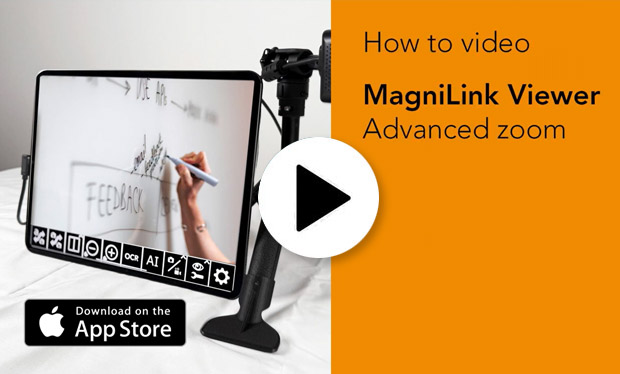
The latest update to MagniLink Viewer introduces the new Advanced Zoom feature. With Advanced Zoom, we have separated the zoom functionality between the software's zoom buttons and the pinch-to-zoom gesture. After zooming in using the zoom buttons, users can further enlarge the image with pinch-to-zoom. Once enlarged, it becomes possible to pan around the camera image without having to physically move the camera. This is particularly useful for students using a video magnifier to view content on a whiteboard.
Click on the image below to watch a video demonstrating how the feature works in practice. The video is in English. If you would like it translated into Swedish or another language, you can use YouTube’s automatic transcription and translation features.